
DOCX · 7 clips
Video prompt pack
Five talking exercise demos and two silent cutaways at the Camberley Training Room.
Session 1 · 90 minutes
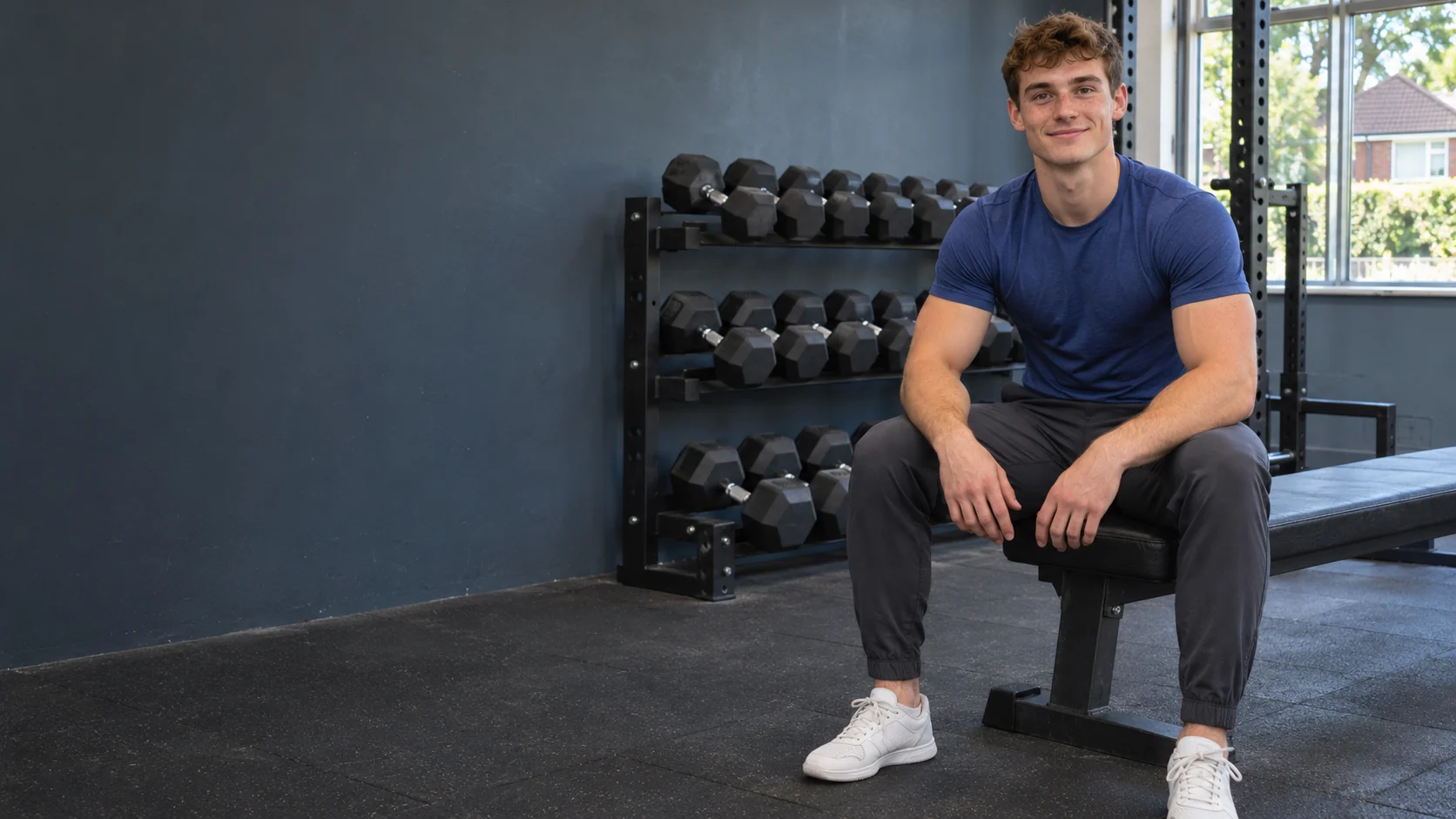
Meet Jamie Calder, the Camberley gym coach who teaches one exercise cue at a time. Build a consistent character, test a silent shot and make one speaking pilot.
Jamie Calder Fictional AI character
Claude Code for planning and scripts. Higgsfield for images, voice and video.
The plan
Jamie is a 22-year-old AI gym instructor based at the fictional Camberley Training Room in Surrey. His series, One Cue at a Time, starts with the movements that make beginners hesitate on the gym floor.
Choose one audience and compare three character ideas. Write a short character sheet for the one you pick.
Make a close-up, three-quarter and full-body identity sheet. Save a separate gym still.
Write one hook, audition an original voice, then generate a silent test and a speaking take.
Review the pilot with and without sound. Check the movement and pick one fix before export.
Downloads
Preview and copy a prompt in your browser, or download the full pack as a Word document.
DOCX · 7 clips
Five talking exercise demos and two silent cutaways at the Camberley Training Room.
DOCX · Character reference
Jamie’s appearance, wardrobe, gym locations, voice direction and reference-image prompts.
Downloads
Use these three skills to plan content, keep the character consistent and prepare the video shots.
Turn audience questions into a week of short videos.
Write talking clips, demonstration shots and silent cutaways.
Keep the face, voice, wardrobe and gym recognisable between clips.
.claude/skills/. Keep the named folder containing SKILL.md./mcp and check for Higgsfield. Sign in there if prompted.https://mcp.higgsfield.ai/mcpHiggsfield setup instructionsThis workshop follows the character-to-video workflow in Mark Tilbury’s tutorial from 4:00 through 18:55. Use the time links below to jump to a demonstration and practise it with Jamie.
| What you see | What to change |
|---|---|
| Jamie’s face changes | Attach the approved portrait and keep the age, hair and face description fixed. |
| The gym keeps changing | Reuse the wide gym still and spell out where the bench, window and rack sit. |
| A joint or dumbbell jumps | Regenerate one slow take with the whole body and equipment in frame. Review the full rep before posting. |
| Speech looks out of sync | Render the spoken intro as a separate close shot. Edit the demonstration in under the voice. |
| The clip loses viewers early | Open on the exercise or a specific beginner question. Test a new opening with the same lesson. |
| Claude can’t see a skill | Check that the named skill folder and its SKILL.md are in .claude/skills/. In Claude on the web, upload the original ZIP. |
Copy and adapt
Use the same approved character reference across the images and clips for one creator.
Jamie and the Camberley Training Room are fictional. Have a qualified fitness professional review the technique shown in each generated exercise clip before posting it.